
What a Fanless Mini PC Needs From Its Shelf
A mesh shelf and a closed cabinet put very different demands on passive cooling.
Technical explainers for readers who want to understand the equipment on their desks.
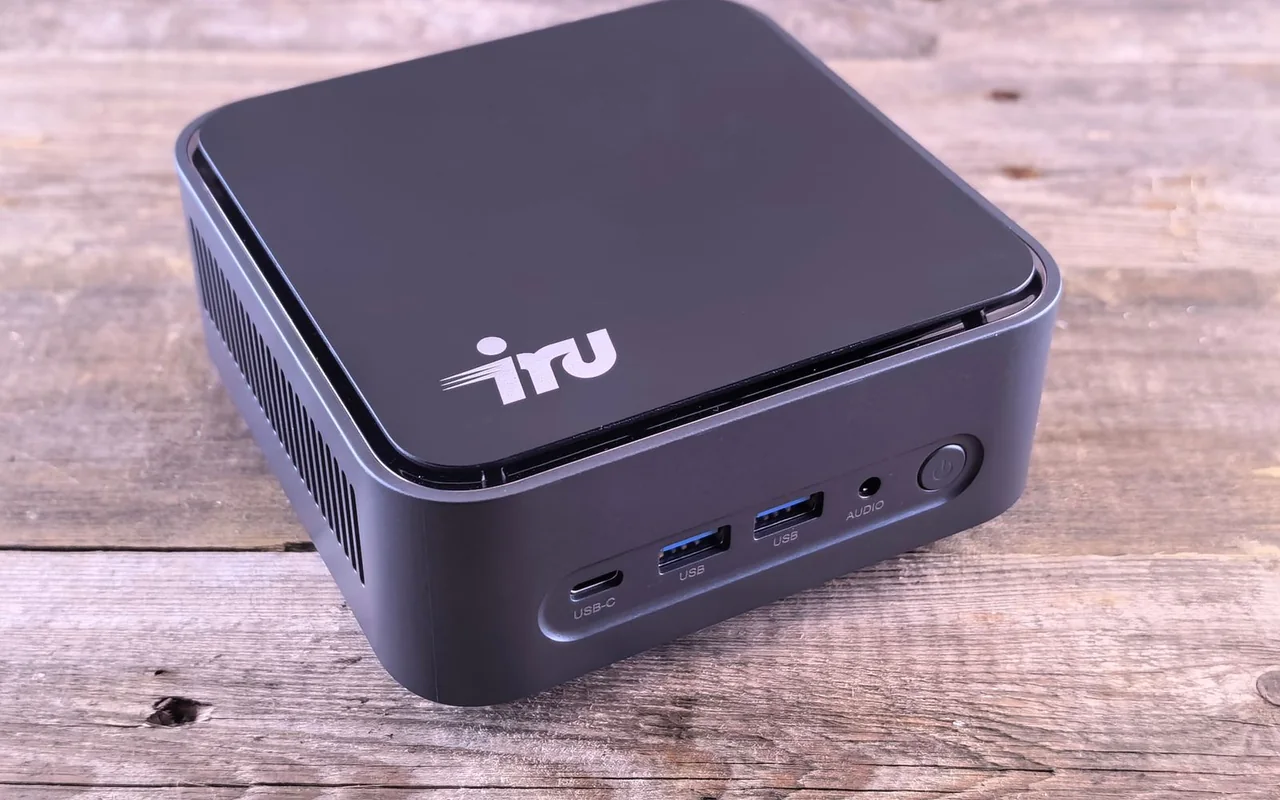
A mesh shelf and a closed cabinet put very different demands on passive cooling.
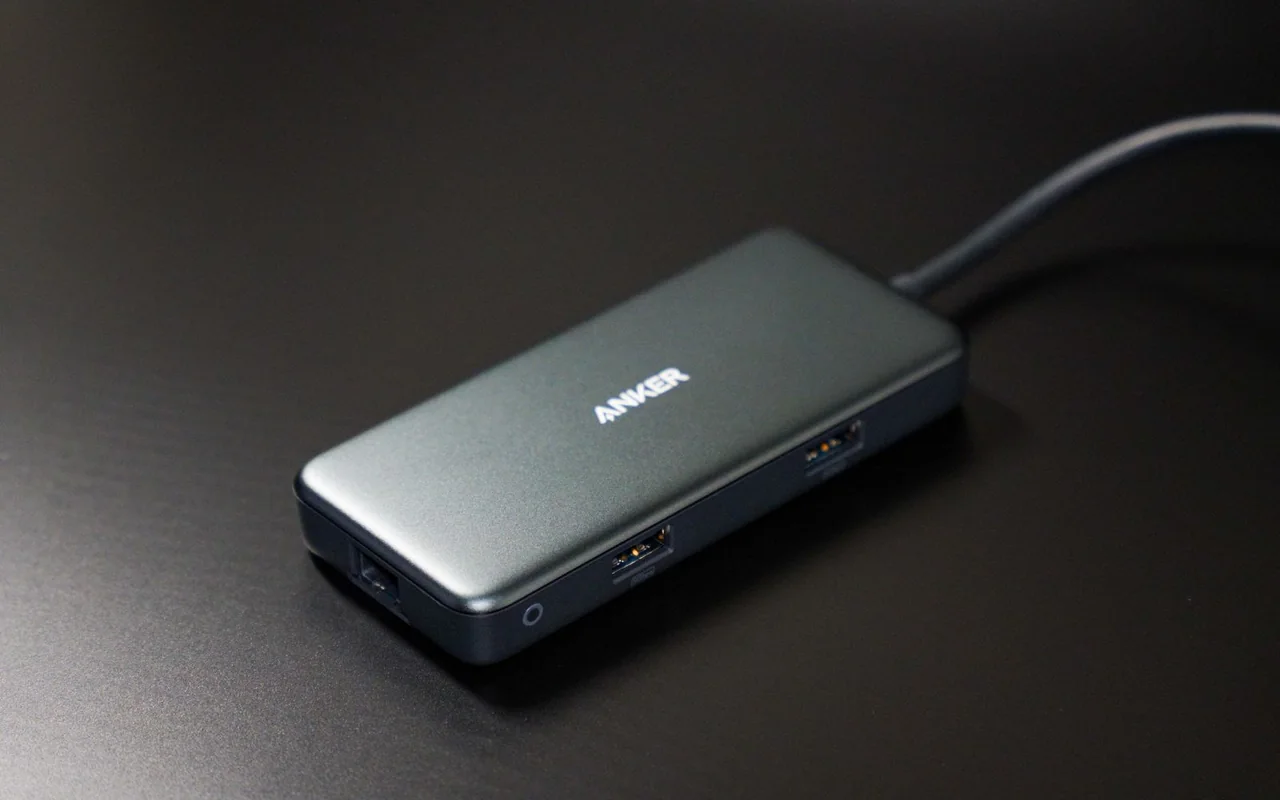
Understand the display capabilities your computer sees through a chain of cables and adapters.
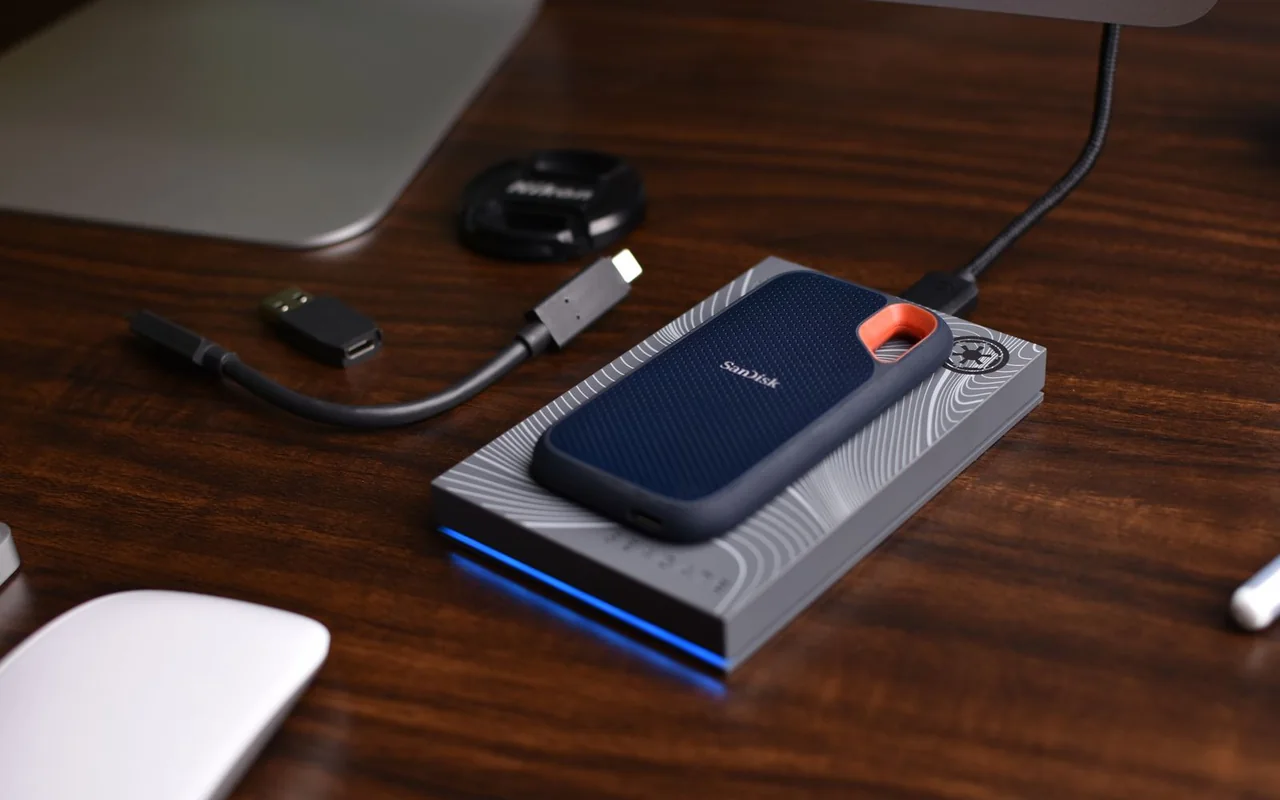
A sustained copy can show how cache, temperature, enclosure and host port shape usable speed.
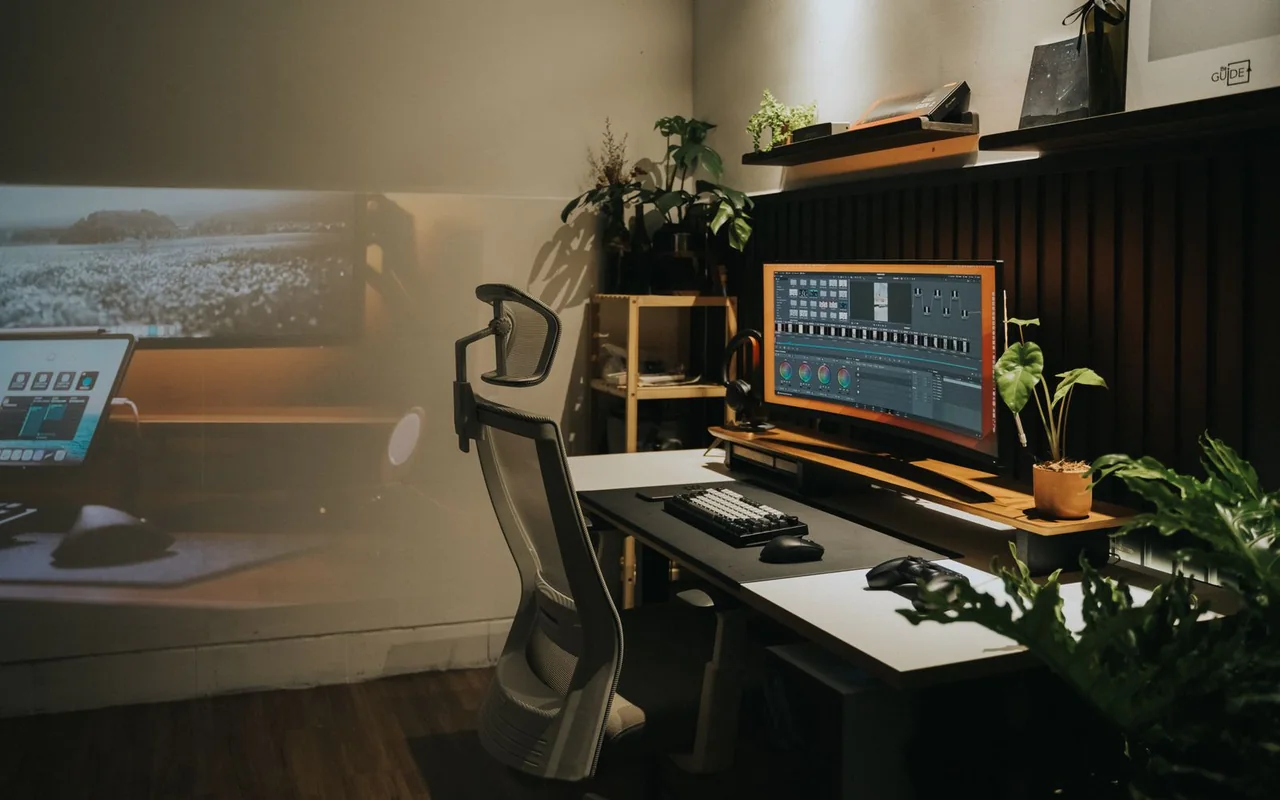
Use reflections, text and work position to tune a screen before changing its color settings.

Compare edit headroom, color, file size and processing artifacts under the same light.

A short call recording can reveal mic switching, automatic processing and differences between left and right operation.

Compare fit, speech clarity and sound leakage without using volume to mask traffic.
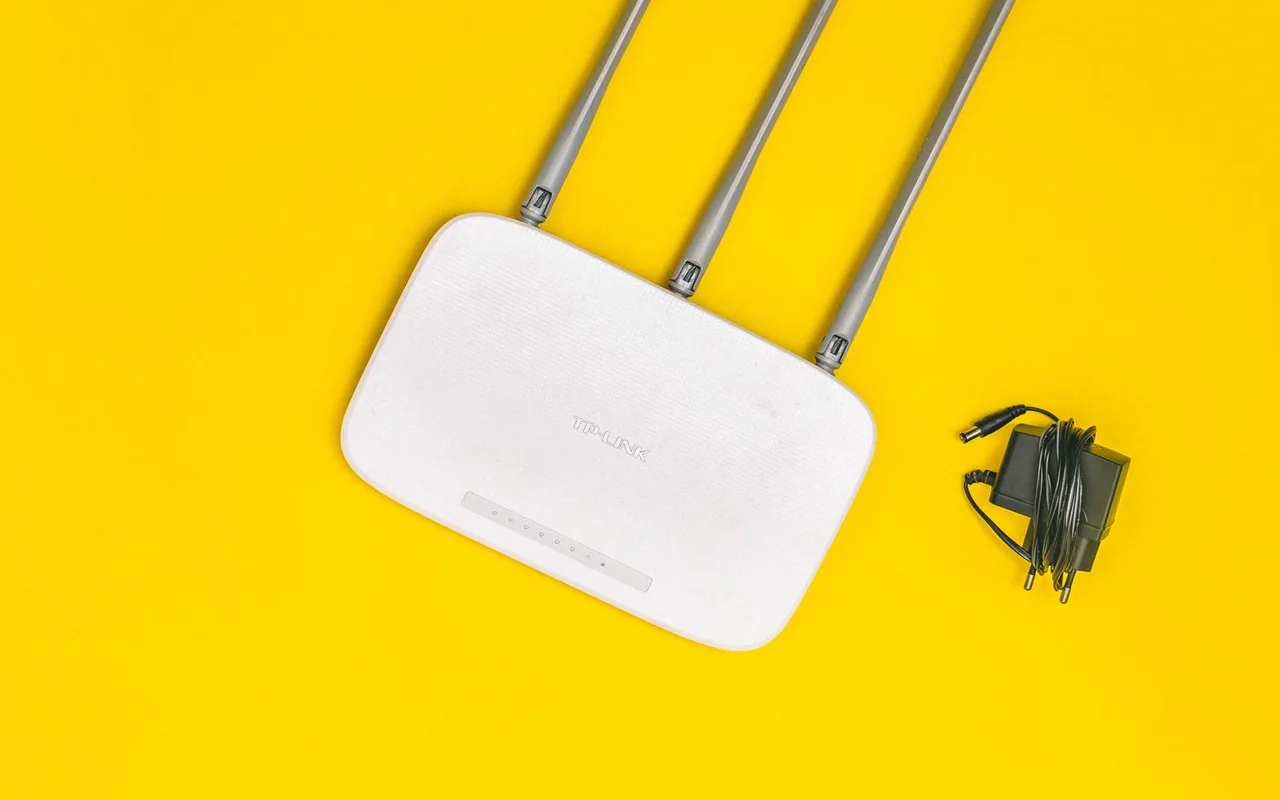
Use the October 2026 gateway announcement to understand latency, local transfers and internet capacity.
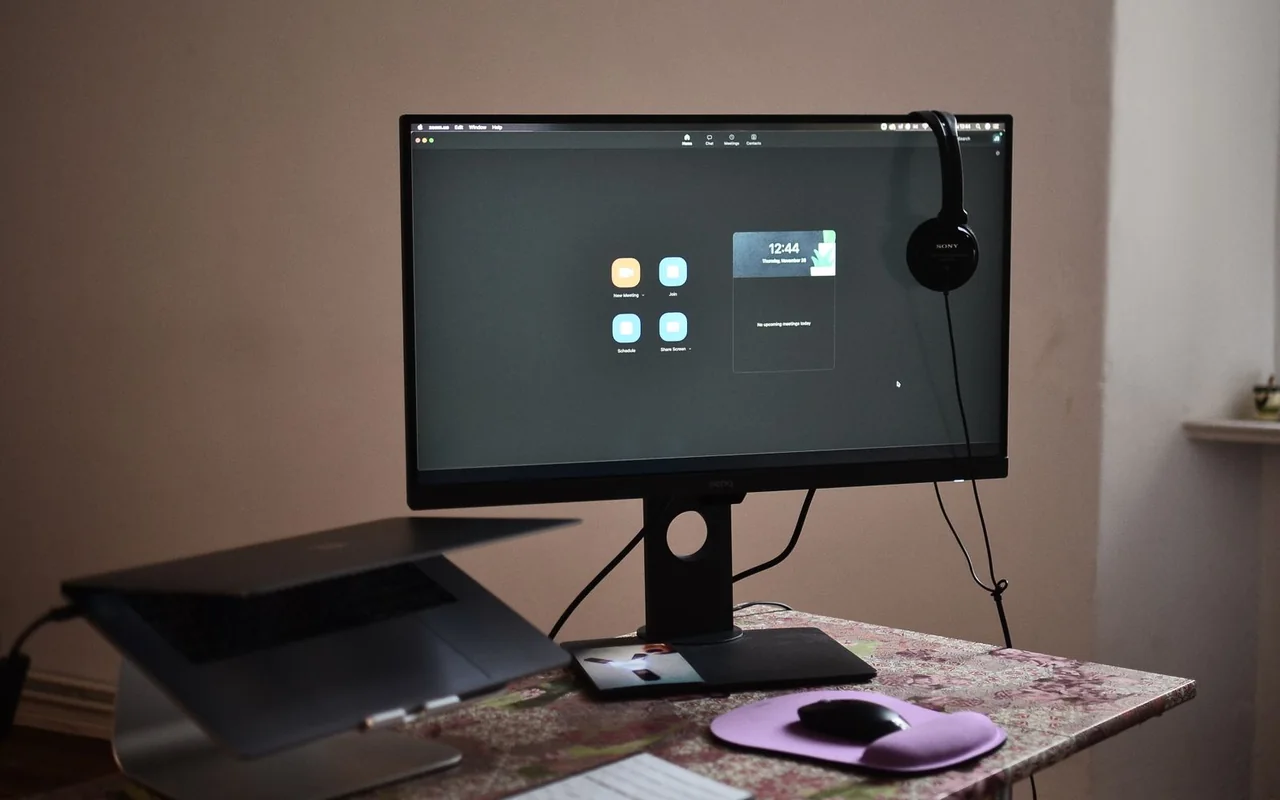
Think in pixels, refresh rate, bit depth and connection modes before buying a higher-spec cable.
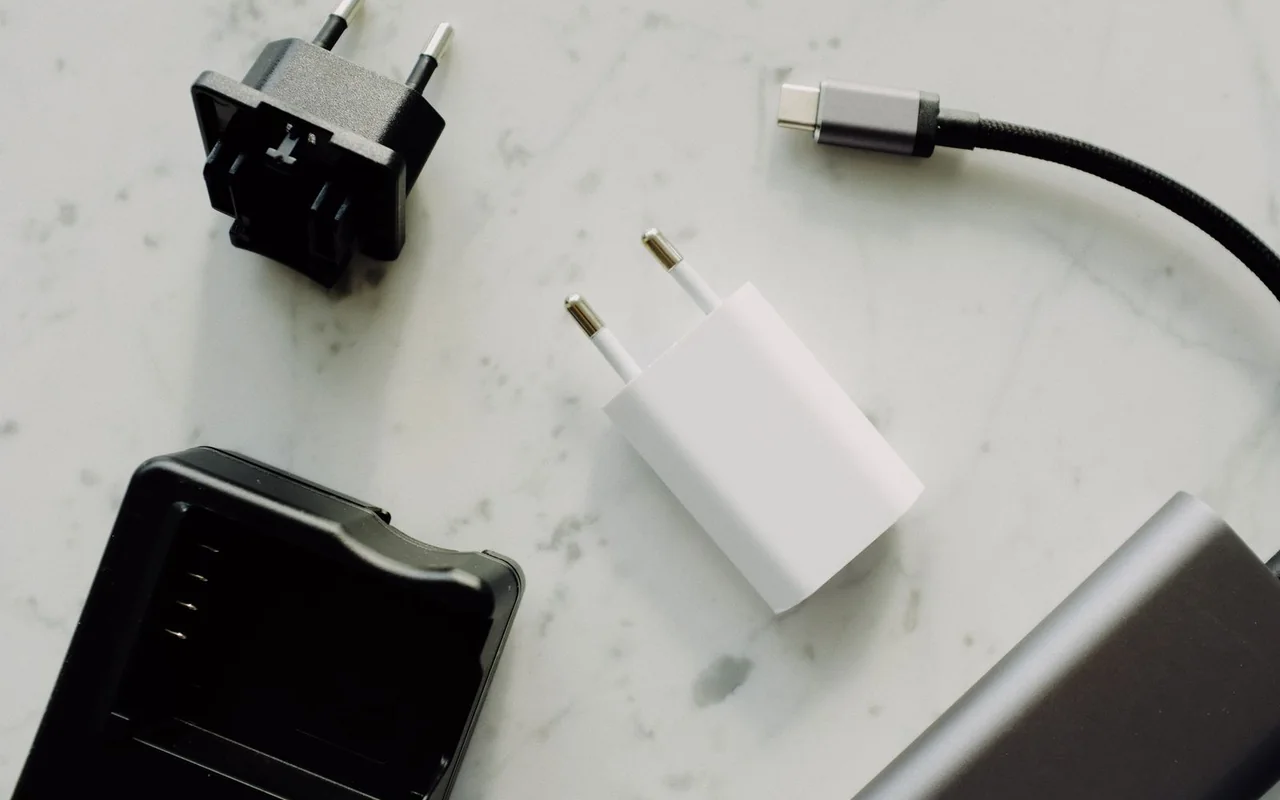
Power capability, negotiated charging and data speed belong on different lines of a shopping list.
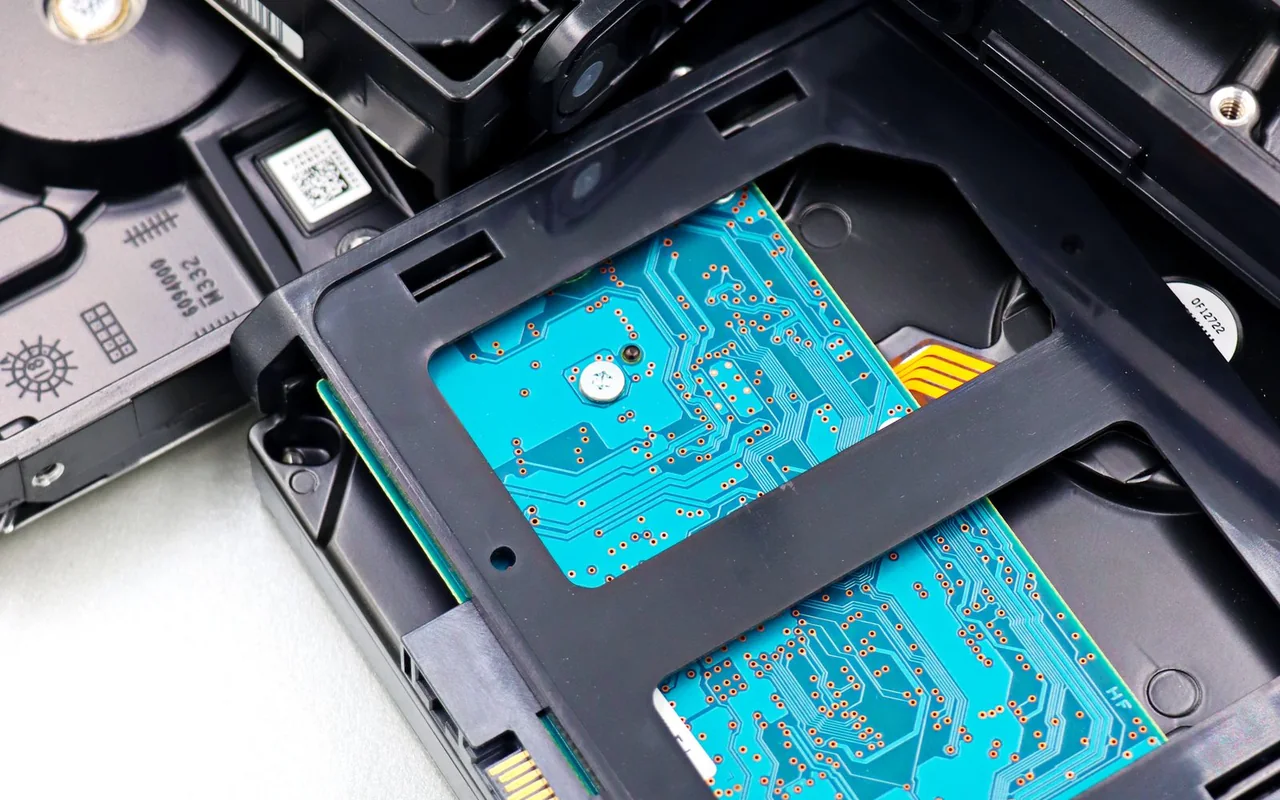
Take a harmless sample through deletion, restore and a separate copy so you know where recovery stops.
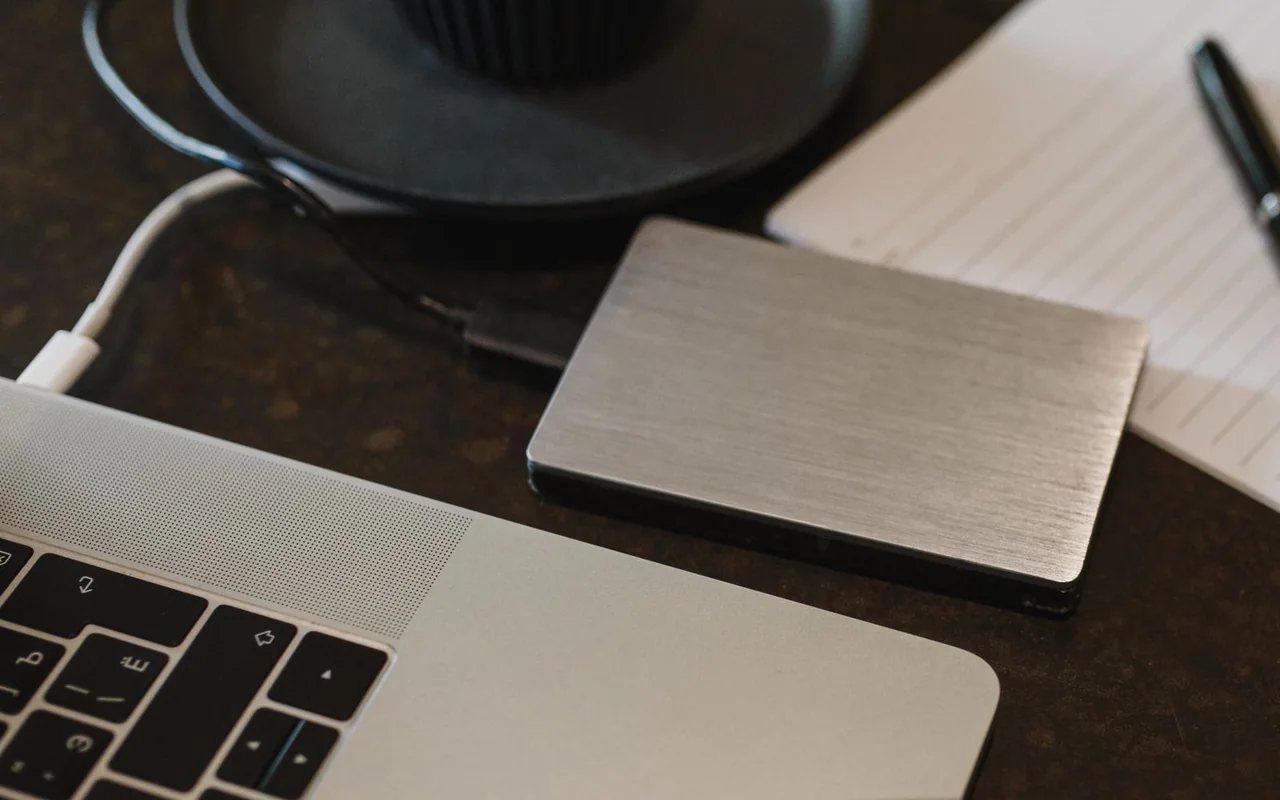
A checksum can flag mismatched bytes if it travels with the right file and a trustworthy baseline.

Distinguish device access from account recovery and verify a spare method while your main device still works.
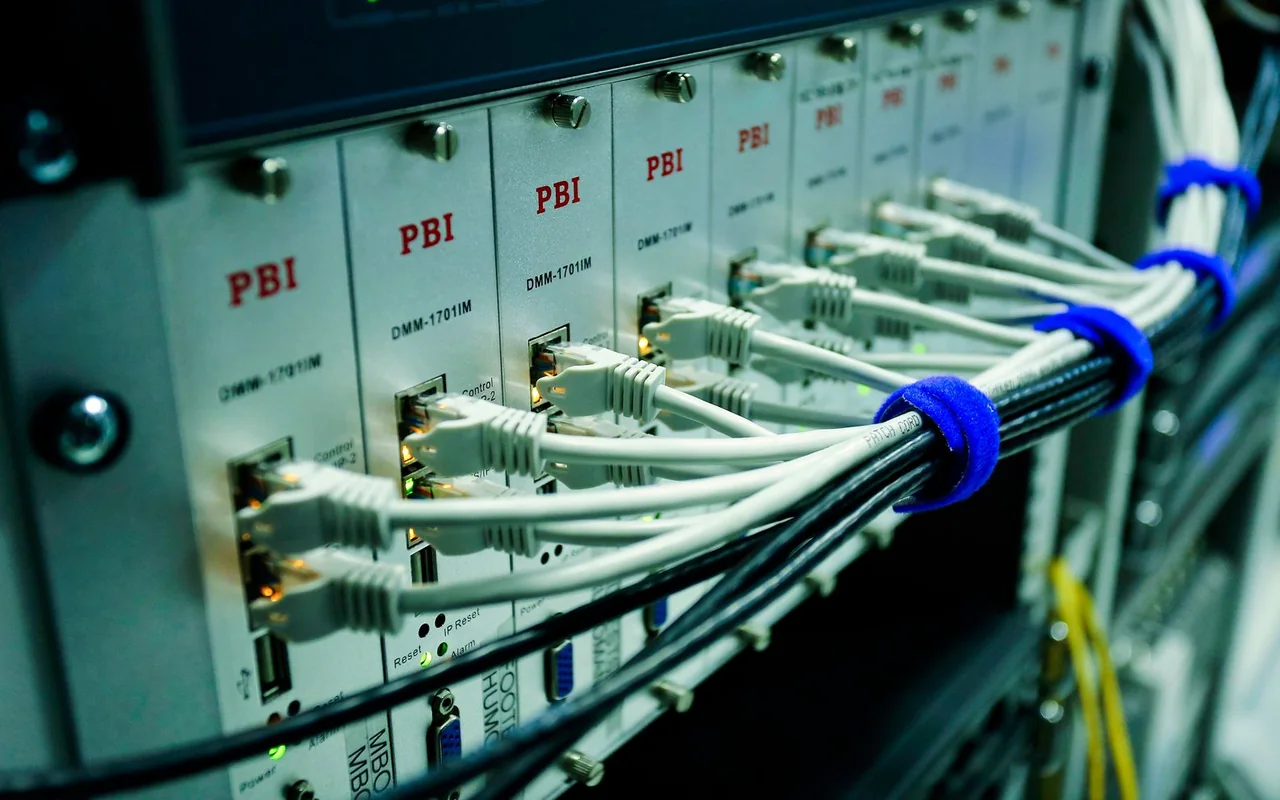
Map room jacks and patch-panel connections with a small repeatable test and clear labels.
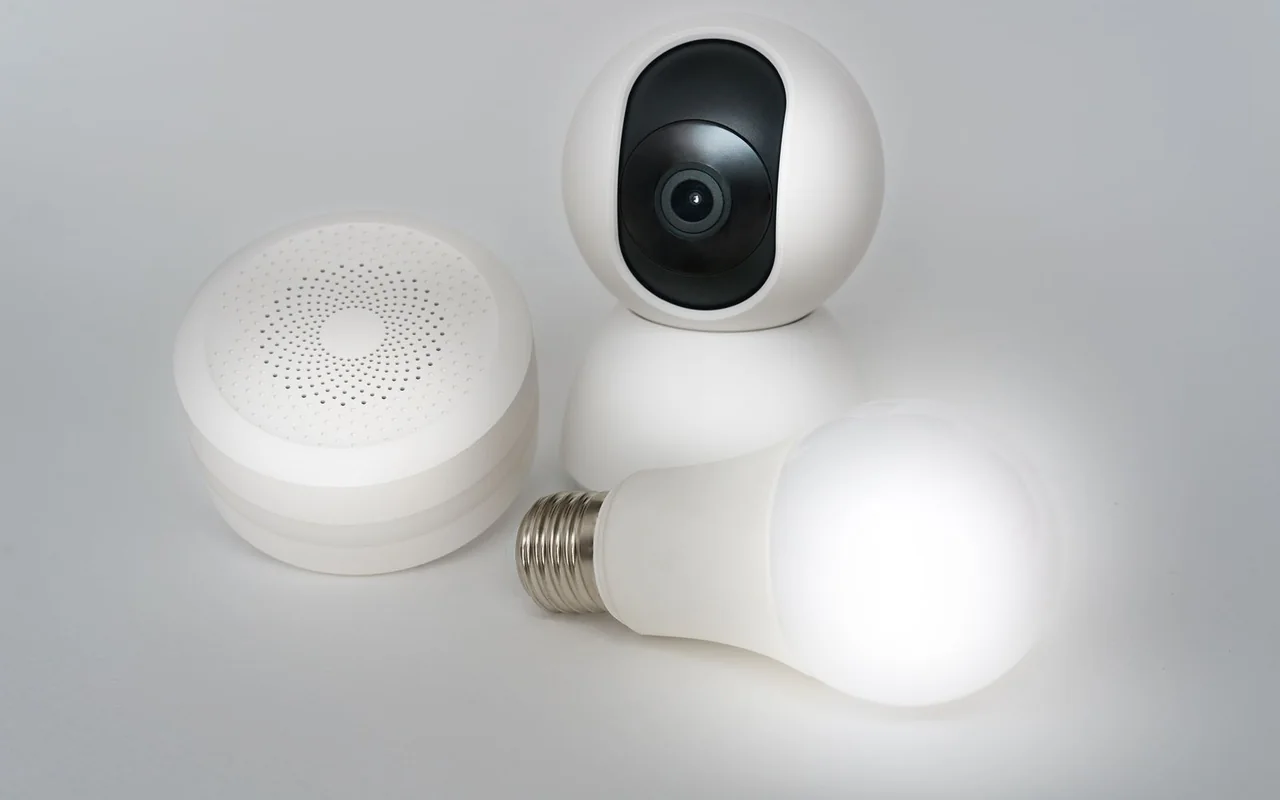
A Thread radio, an IP connection and a home controller play distinct roles during a change of equipment.

Give guests a predictable physical control while preserving scenes and the right recovery behavior.