Wi-Fi 8 Reliability and Internet Speed Are Separate Upgrades
Use the October 2026 gateway announcement to understand latency, local transfers and internet capacity.
In this article
The number on a fiber plan describes the connection between a home and its provider. A wireless link still has to work through walls, interference and other devices. The Wi-Fi 8 gateway shown in October 2026 is useful for understanding the difference, since it pairs a future-facing radio with a particularly fast service tier.
Read the announcement as three claims
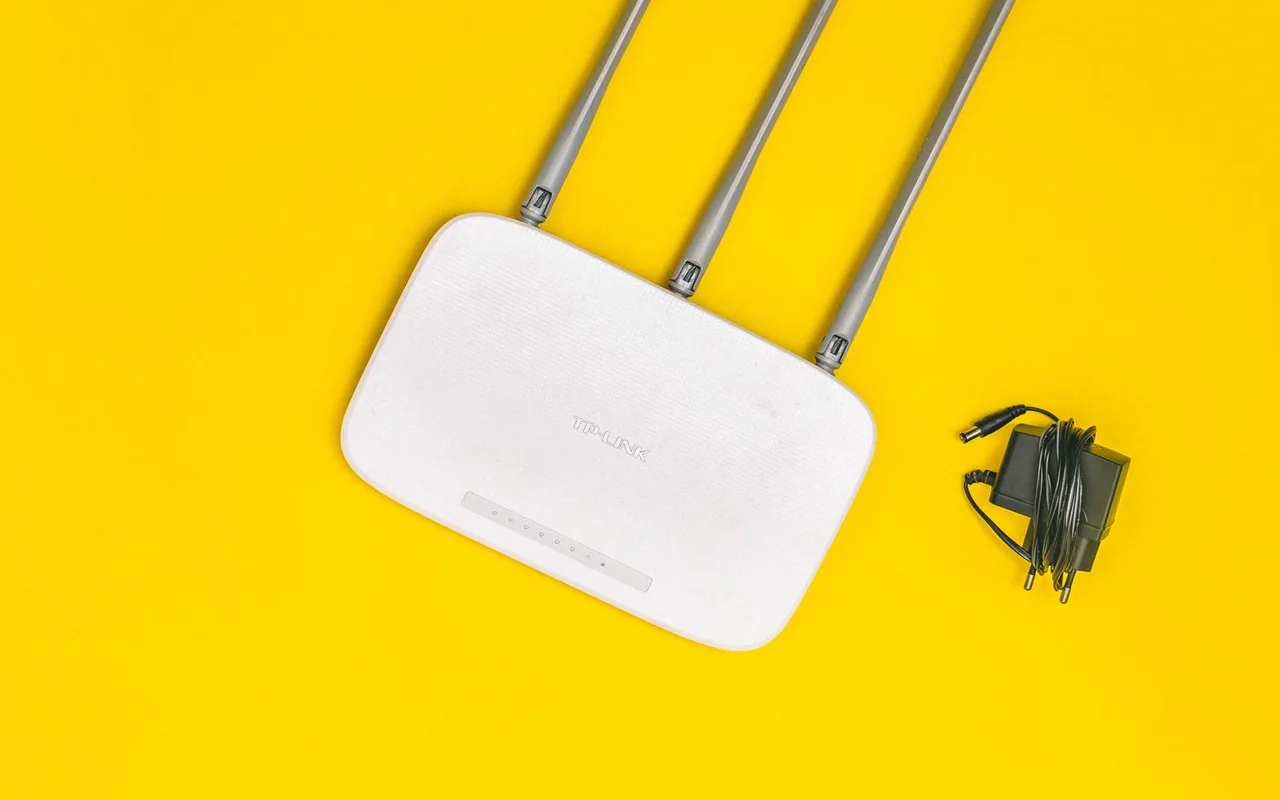
On October 12, 2026, Qualcomm, gFiber and Gemtek announced a premium gateway at Network X. It was designed for gFiber’s symmetrical 20 Gig service and uses the Dragonwing NPro A8 Elite platform. Qualcomm described concurrent quad-band Wi-Fi 8 and a dedicated neural processing unit for supported edge work. gFiber’s existing 20 Gig customers were identified as first in line for the gateway, with a broader upgrade of that tier after certification. The release also described a planned spring 2027 residential 50 Gig trial. A provider plan, a wireless generation and gateway processing each have a different supporting test.
Wi-Fi 8 is associated with IEEE project P802.11bn, titled Ultra High Reliability. IEEE’s November meeting and timeline document ongoing draft work. Final milestones listed for 2028 are projections rather than a claim of final approval or a guarantee of what a client device will deliver. Retail announcements can describe design goals or draft-based equipment ahead of the completed amendment. Compare capabilities and firmware support for the particular client as well as the advertised gateway.
Trace four places the connection can slow
Start at the laptop, go through its wireless hop, through the gateway and Internet access link, and end at the destination server. A slow backup sent to a local machine may never use the Internet access link at all. A call to another continent can be limited by the application and remote path even when the laptop’s wireless link is excellent. A 20 Gb/s line shared by equipment with one-gigabit ports cannot make a one-gigabit wired port pass twenty times its nominal rate. A Wi-Fi link rate is likewise different from measured payload throughput.
Use a wired reference within the limits of your adapters and other hardware. Next try a local transfer between the wireless device and a suitable wired machine you own, then separately take a representative Internet measurement. Keep the client position and test equipment consistent and note the direction of the transfer. The same laptop might upload quickly to a wired server in the next room while seeing a slow public upload due to the service tier or the Internet destination. Another spot might have a weak Wi-Fi path even with a fast wired measurement at the gateway.
Look at the slow moments in a repeated sample
When you have a reliable local endpoint, measure what changes during ordinary simultaneous use. Take a series of latency readings before and during a representative transfer. Compare the common result with the upper end of the distribution, such as the 95th percentile with a sufficient sample, and record any interruption. A latency spread can matter more than an attractive peak rate when a household does calls and large transfers at the same time. A local measurement covers the tested network path, while an Internet latency measurement combines more of the route and can vary with the test destination.
Run the comparison in the room that causes your real issue. Moving closer to the access point can identify a coverage problem that a different service tier would not address. Improvements can also come from positioning, a wired backhaul or a supported access point nearer to the room. A newer wireless feature requires appropriate support along the path and may appear only with newer client hardware. Edge processing features deserve their own review of local operation and data handling if that is the reason you are considering a new gateway.
Use different measurements for speed and responsiveness
Imagine a local media desk with a two-gigabit Internet plan, a one-gigabit uplink to a small room switch and a nearby Wi-Fi client backing up to a NAS. An Internet speed measurement from the client can remain below one gigabit because the room switch uplink is constrained, regardless of the provider’s peak. Meanwhile a local NAS accessible through a different wired route could behave much better from another room. Draw the segments individually and record their negotiated speeds. For a shared switch, note whether the NAS traffic and other devices’ public traffic use the same switch connection at the same time. Even though home Internet and local file transfers have distinct destinations, they can still contend for a common physical link before diverging. The useful wired baseline is relative to the path being tested. A speed check at a different connection to the gateway is evidence about that connection and the provider path, not a performance guarantee for all rooms.
Compare typical response and poor response separately. In a hypothetical sample of one hundred latency observations, most could land around 12 ms while the slowest ten land above 80 ms. The median gives a good picture of the ordinary result and hides the slowdown appearing in the upper part of the measurements. If you see a difference like this during local traffic, investigate the local segment while keeping endpoint work constant. If it appears only when an Internet upload fills the link and a local probe stays steady, the access path or processing of Internet traffic may deserve more attention. No one number identifies congestion, radio interference or queueing by itself. Record the conditions, including which test was running and how long each sample covered. Spotting a pattern after repeated representative use is more useful than maximizing the best result in a public speed test.
Keep test targets and numbers realistic. A public service can have an overloaded server, a varying route or a ceiling your local gear cannot match. A laptop consuming CPU time to generate traffic can change its own latency while a small NAS with a busy disk can limit a local file copy. Use endpoints and tools you own or are permitted to use. A local transfer through capable machines can reduce the storage or service bottleneck, especially when you compare the same machines on the same route with only the wireless hop changed. Check that wired and wireless test machines are not both communicating through the same limited hub by accident. For each measurement, name the client, test endpoint, connection type and room. If a peak number jumps after moving the laptop, record whether the tail response also stabilizes at the desk you care about.
Compare the purchases that each result could justify
For a home with weak wireless service upstairs and an acceptable wired baseline, start with the placement and backhaul already available. A supported wired access point closer to the room can remove a difficult path through floors. With mesh equipment, look at the device-to-node and node-to-gateway links separately. Moving a node deeper into the weak room can improve the first link and leave the node with a poor path to the gateway. Compare two permitted placements using the same live application or controlled local endpoint. If a working wired backhaul is available, the protocol generation of the new access point still does not transform an older client radio into a newer one. It may provide other benefits through better placement, capacity or compatible features. Determine which behavior you need to improve and which devices must be able to use it.
If health at the front of the network is already strong, examine whether higher service capacity addresses real aggregate demand. Several concurrent wired and wireless households may find a five-minute contest between upload and video calls more important than a client’s maximum burst. An improved high-capacity access link can help when the previous link saturates under ordinary use. It has less direct effect on a client losing its local link because it crossed into a room with weak reception or a congested channel. Check the provider service terms and the economic cost of upgrading the rest of the route to support the tier, including equipment, ports and cabling. A multi-gigabit plan can remain valuable even when no single older client exceeds one gigabit, because multiple simultaneous transfers can share the total. That interpretation is different from expecting every individual connection to match the plan spec.
The late-2026 gateway also raises a question about integrated network processing. Read what the maker implements locally, which services need an account and where configuration is managed. An NPU on the gateway is an advertised hardware capability. Whether an automated service can improve a Wi-Fi problem depends on the service, the client and the network settings available to it. Judge it using a defined problem rather than treating “edge” as measured proof that the radio will work better. New equipment can provide a useful reason to inventory the bottlenecks you already know. Keep one recent observation from the current setup to compare after any provider or hardware change, and use the same room, client and typical load when testing the change.
Decide which upgrade matches the evidence
If performance is weak over Wi-Fi and solid at the wired reference, examine placement and wireless setup first. If simultaneous Internet transfers fill the access link while local jobs remain smooth, a plan or traffic-management change may make more sense. Record a specific problem, location and time when judging any new equipment. The useful question is whether that part of the network now behaves better when the house is actually busy.
Use a result the household can recognize, such as a call staying clear while a backup runs or a file finishing in the expected time. If a laboratory-style benchmark changes and the original issue remains, locate the next relevant segment rather than buying another radio based on the benchmark alone. A short table of the direct path, wireless path and external path can keep three different bandwidth claims attached to their evidence.