Why Satellite Messaging Changes the Way You Write a Check-In
Plan a brief message, a clear outdoor location and an offline fallback before testing a device’s supported feature.
In this article
- Find the feature you can actually use
- Write a message that stands alone
- Read the delivery status deliberately
- Decide which satellite service you are planning around
- Build a check-in that both people can interpret
- Plan around a safe position with usable sky view
- Prepare for a message that never arrives
- Keep a real emergency on the appropriate path
- Close the communication loop when you are back in coverage
A satellite check-in may take longer and carry less context than a regular chat. Work out what you want the recipient to know before leaving mobile coverage. The phone, service plan, region and view of the sky determine what your particular feature can do.
Find the feature you can actually use
Consult your device maker and carrier for the exact supported hardware, countries, account requirements and services. Some features cover emergency use only. Others support limited messaging, check-ins or related traffic under specific conditions. A regular phone screen that displays a satellite icon does not reveal the complete capability. Practice using a supported demo if one is available and avoid using a live emergency system for testing.
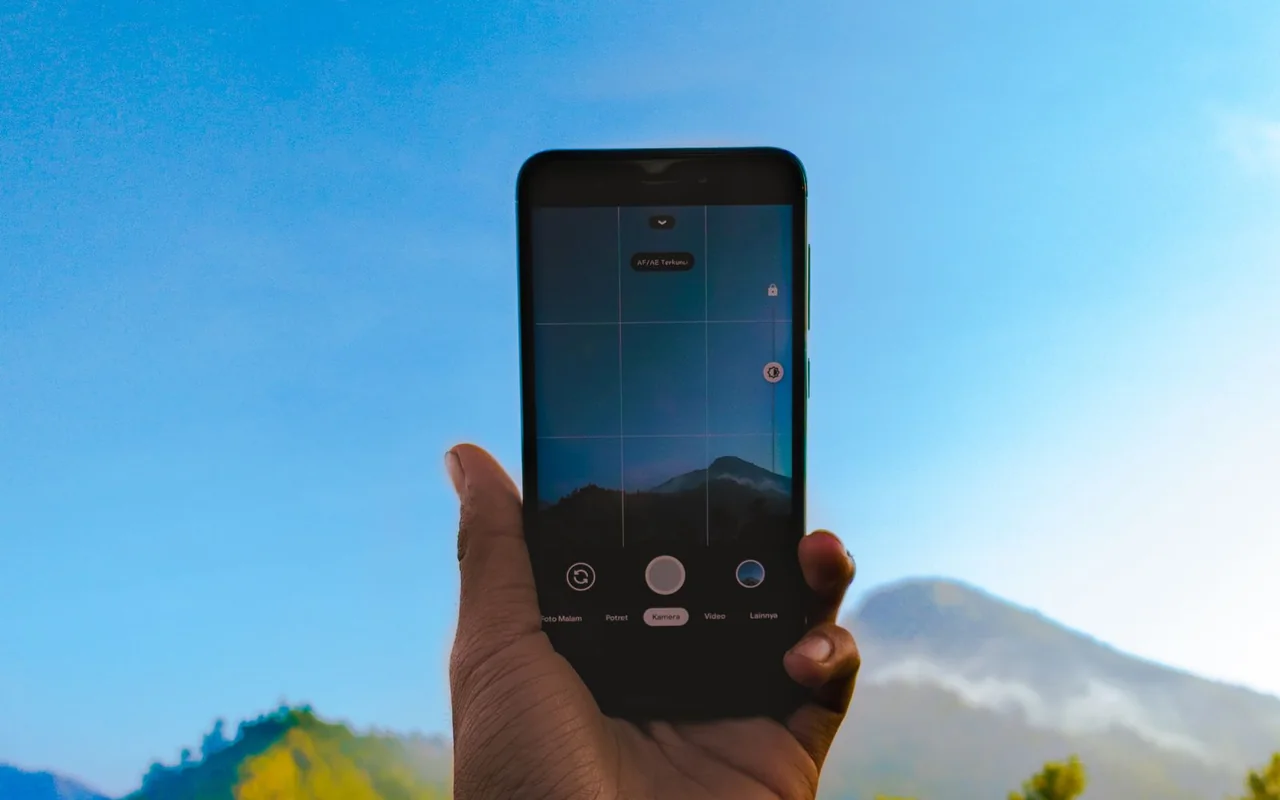
Outdoor visibility matters. A clear area in a safe position can provide a different result from a vehicle, canyon, dense canopy or building. Follow the device’s guidance for establishing and maintaining the link instead of moving toward hazardous terrain. Get maps, directions and itinerary information offline ahead of time. Conserve enough battery for ordinary navigation and a planned later check-in.
Write a message that stands alone
For a nonemergency check-in, give a known reference point, status and next planned action. A useful fictional example is, “At North Shelter at 16:10. All fine. Staying here overnight. Next check-in 08:00.” Confirm whether you need to include a location explicitly or the supported service attaches one. If contacts do not understand the timing, day or place name, the message may raise questions that are hard to answer without a regular connection.
Agree in advance on a missed-check-in plan and timezone. The recipient should distinguish a planned period without service from a change that calls for help. Keep a map, an alternate route and any appropriate communication equipment for the trip. A phone feature can add a useful path while depending on conditions that can change after you leave home.
Read the delivery status deliberately
Sending a message can require staying on the connection until the device reports the outcome. The recipient’s acknowledgement may arrive separately or may not be supported in the same way by every service. Note the last verified time and what you attempted. When using emergency features, follow the device and responder instructions rather than a preset personal message template.
Decide which satellite service you are planning around
Two travelers may have phones that both mention satellite service while offering different kinds of conversation. One has an everyday text feature in a supported region. The other has access to a satellite emergency exchange on their device. A carrier might describe its own offering with similar words and different supported services. Check the exact combination of model, country, software, account and service you expect to use. Then write down which contact and message type it covers. An emergency-only feature is a separate path from a scheduled family check-in.
Apple, for example, documents everyday Messages via satellite for eligible iPhones in supported regions. Its documentation identifies prerequisites such as enabling iMessage before leaving regular coverage and describes SMS availability as carrier dependent. The service documented there also does not support several kinds of media and group messaging in satellite sessions. Google describes a separate emergency Satellite SOS workflow for supported Pixel devices and places, with software and default-app requirements and a demo for learning how to connect. These are examples of distinct functions, and availability can be narrower than the lists of phones that have suitable hardware.
Check destination support before a trip across a border. A feature available at home may have a different legal or service footprint at the destination. Plan support may also vary when a device is roaming. Note the relevant support page and test the documented demo in a suitable location before you leave if it is available there. A successful demo is a way to learn the controls. It does not eliminate the differences in sky view, terrain, device condition and network circumstances at the intended site.
Build a check-in that both people can interpret
Imagine a group going from a trailhead to a staffed lodge and returning the following morning. The traveler and a contact at home agree on a status message from the lodge at 18:00 local time. The full trip plan records the route, lodge name, vehicles and expected return separately. If the satellite text arrives twenty minutes later, the recipient can still tell it describes arrival at the planned place. For a message with a changed route, make the new plan explicit enough to identify which expected stop or time no longer applies.
Keep the outgoing phrase short because attachments or threaded context may not be available. "At West Lodge at 18:05 local. Group of three here. Back to trailhead tomorrow by noon." carries more actionable information than a photo and the words "made it." Confirm the exact date and local time zone in advance. People who live farther away may read a message after midnight in their own time zone and assign it to the wrong day.
The recipient's side deserves preparation. Establish the person who will actually be checking the phone and what reply they are expected to send. Apple documents cases in which a person with ordinary coverage must take an extra action to send an iMessage reply to someone accepting messages via satellite. Other services have different delivery behavior. Practice the supported flow or read both sides of the instructions while regular coverage is available. A successful send indicator, a reply entered on the recipient's phone and an acknowledgement you actually saw describe three separate events.
Plan around a safe position with usable sky view
A parking area surrounded by tall buildings can appear open from straight overhead while much of the horizon is blocked. A valley with high walls and heavy trees can limit where a phone has a usable view. Follow the device's guidance from a physically safe spot and use the supported controls to learn where the connection is available. Do not move toward traffic, a slope or the edge of a platform to improve the display. A planned communication point is only useful if it can be reached safely under normal conditions.
Give the process time and energy. Apple describes how favorable conditions can make sending a short text take considerably longer than an ordinary chat, and how foliage or obstructions can lengthen or prevent the connection. Touchscreens, charging ports and device handling also behave differently when it rains or when hands are cold. Use suitable protection for the phone and keep enough charge for the rest of the planned trip and navigation. Make a local note of the time and contents of a normal check-in if the phone cannot send it yet.
Prepare for a message that never arrives
Agree on an independent check-in plan before departure. A reasonable missed check-in response depends on the activity, terrain, route, weather and local procedures. Do not rely on an arbitrary grace period that neither person understands. The U.S. National Park Service suggests leaving a written trip plan with a trusted contact who stays behind, with enough detail for authorities to respond when a traveler does not return as expected. Use the guidance of the area you are visiting for the right contacts and emergency plan, and take physical navigation and other appropriate equipment.
Document a backup plan when communications are likely to be unreliable. Where a scheduled waypoint becomes unsafe or inaccessible, deciding whether and how to change the route should follow the trip plan and local guidance instead of trying to meet a messaging schedule. Tell the trusted person how to interpret a pre-agreed change and how to contact appropriate authorities if the trip plan's concern threshold is reached. A missing text alone cannot distinguish a coverage problem from something that requires help. A complete itinerary and last verified location are more informative.
Keep a real emergency on the appropriate path
For an actual emergency, use available emergency services and the device's supported emergency function when appropriate. Follow responder and device instructions, and do not rehearse by starting a live emergency session. A personal check-in with a friend does not substitute for the emergency path. Confirm before travel what emergency capability is available where you are going. The most practical satellite setup is the one that gives each person a clear role while keeping a backup plan for the conditions in which the phone's service cannot be reached.
Close the communication loop when you are back in coverage
A brief call or ordinary text confirming that the trip ended can prevent a delayed satellite message from creating a new concern. Give it a clear status, such as "Back at the trailhead at 11:35 local. Outing complete." If you sent a changed plan, tell your contact which details are now obsolete. A recipient who received only one of several messages still has a reliable ending to work from.
Compare observations after the outing. Ask when the recipient first saw the messages and whether their reply behaved the way they expected. Keep only the facts that will help the next plan, such as the reliable way to identify the place, the delivery path you used and how long it took under those particular conditions. A useful improvement might be an earlier known check-in point with a safer view of the sky or a simpler one-recipient message. Avoid assuming that identical timing will follow on a different route.